How to Apply for Federal Jobs on USAJOBS (Step by Step)
How to apply for federal jobs is one of the most common questions from first-time applicants. The good news is that most federal jobs are posted on one website, USAJOBS, and the steps are almost the same for every job. This guide walks you through the process from creating an account to submitting your application.
Last updated: October 26, 2026. USAJobz is an independent website and is not affiliated with USAJOBS or the U.S. government. Always follow the instructions in the official job announcement.
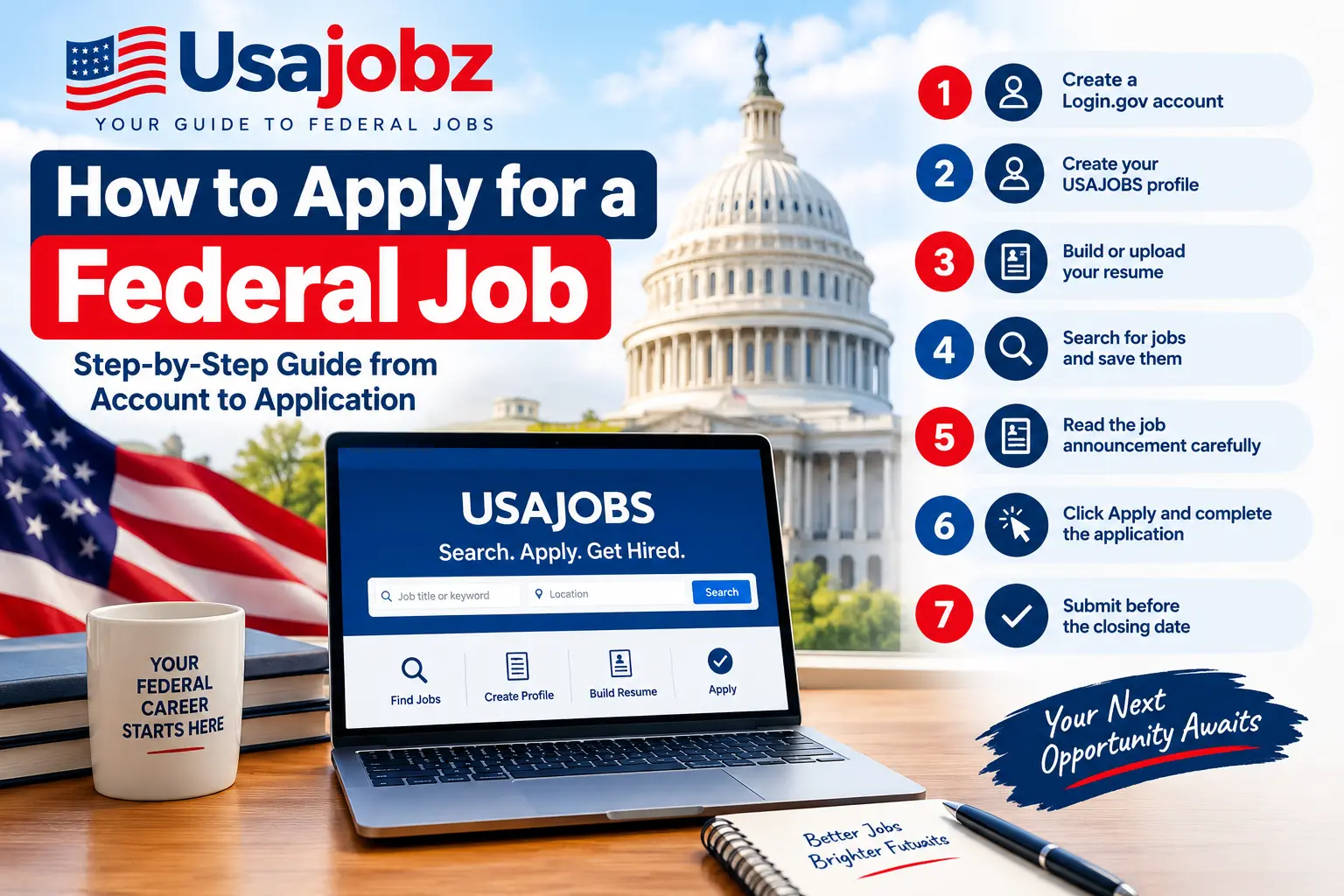
Quick summary: how to apply for federal jobs
- Create a Login.gov account
- Create your USAJOBS profile
- Build or upload your resume
- Search for jobs and save the ones you like
- Read the job announcement carefully
- Click Apply and complete the application
- Submit before the closing date
Let’s go through each step.
Step 1: Create a Login.gov account
To sign in to USAJOBS you need a Login.gov account. You can search for jobs without signing in, but you must sign in to apply. Use an email address you check often, because agencies and USAJOBS may send you updates there.
Step 2: Create your USAJOBS profile
After you have a Login.gov account, create a USAJOBS profile. Your profile lets you save jobs, save searches, upload documents, and apply to any job on the site. It also helps USAJOBS fill in some parts of an application for you, so take a few minutes to complete it properly.
Step 3: Build or upload your resume
You can upload a resume you already have, or build one with the USAJOBS resume builder. You can keep more than one resume in your account, which is useful if you apply for different types of jobs.
Federal resumes are often longer and more detailed than private sector resumes. Include your job titles, employers, dates, and what you actually did in each role. If a job asks for specific experience, make sure your resume clearly shows it.
Step 4: Search for jobs and save them
Go to USAJOBS and search by keyword or location. You can also set up saved searches, so you get updates when new jobs match what you are looking for. When you find an interesting job, save it so you can come back to it later.
You can also browse current federal openings on our Jobs page, then follow the link to apply on the official USAJOBS page.
Step 5: Read the job announcement carefully
This is the step many people skip, and it is where most mistakes happen. Before you apply, read the full announcement, especially these parts:
- This job is open to: shows who is allowed to apply. If you are not in the listed group, your application may not be accepted.
- Qualifications: the experience or education you need.
- How to Apply: step-by-step instructions from the agency.
- Required Documents: everything you must upload, such as a resume or other forms.
- Closing date: the deadline to submit.
If you have a question about the job, the announcement lists an agency contact you can ask.
Reading the full announcement is the most important part of how to apply for federal jobs, because instructions can differ from one agency to another.
Step 6: Click Apply and complete the application
When you are ready, select Apply. USAJOBS guides you through a step-by-step process where you choose your resume, attach any required documents, and answer the agency’s questions. Some agencies finish the process on their own system, so follow the on-screen instructions until you reach the end.
Tips for this step:
- Prepare your documents before you start, so you do not have to rush.
- Answer questions honestly and make sure your resume supports your answers.
- Use the same words as the announcement when you describe matching experience.
Step 7: Submit before the closing date
Do not wait for the last day. Websites can be busy near a deadline, and you may need time to fix a missing document. After you submit, check your email and your USAJOBS account for confirmation and updates. The agency then reviews applications, and the hiring process can take time, so it helps to keep applying while you wait.
Common mistakes to avoid
- Applying to a job that is not open to you
- Missing a required document
- Using a resume that does not show the required experience
- Waiting until the last hour to submit
- Not reading the How to Apply section
Frequently asked questions
Do I need an account to search for federal jobs?
No. You can search USAJOBS without signing in. You need to sign in only when you want to apply or save jobs and searches.
Is it free to apply for federal jobs?
Applying through USAJOBS is free. Be careful of any site or person that asks you to pay a fee to apply for a federal job.
Can I use more than one resume?
Yes. Your USAJOBS account lets you keep several resumes, so you can choose the one that best fits each job.
Where should I check the official rules?
Always use the USAJOBS Help Center and the instructions in the job announcement itself. Rules and forms can differ between agencies and can change.
Ready to start?
Now that you know how to apply for federal jobs, browse the latest openings on our Jobs page, and when you find one that fits, open the official USAJOBS link to read the announcement and apply. For more help, see the official USAJOBS Help Center.